العربيةMake your first ad

From product link to posted ad, in minutes.

The whole process is a link and a few short questions. Here is exactly what happens at each step.

No prompt. No brief. No shoot.

You already run the store, pack the orders and answer the messages at midnight. Making the ad should take minutes and should not require a skill you do not have.

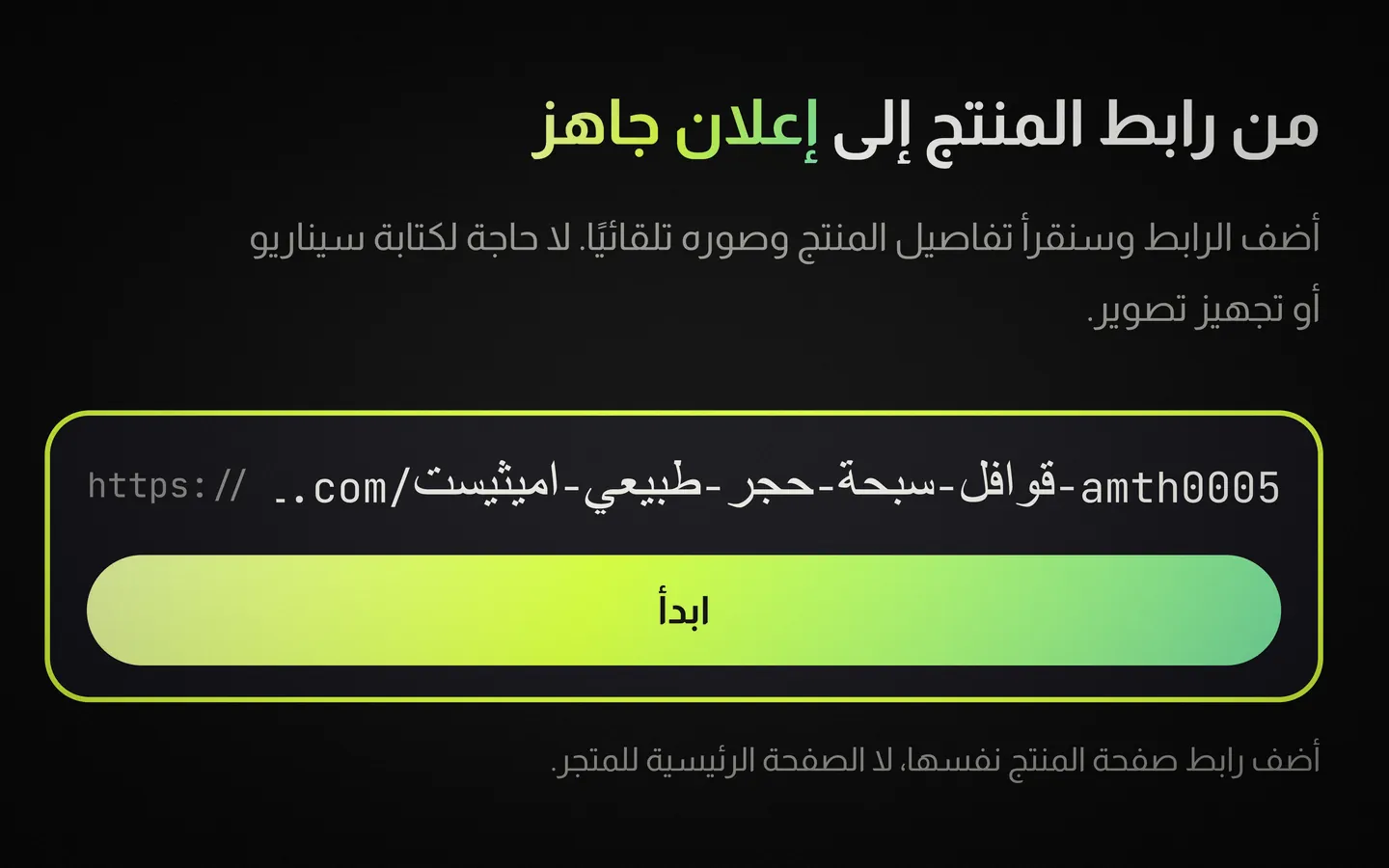
  1. Paste a product link

    Paste a product link

    Drop in the URL of any product page, or upload a photo from your phone. Pixiry reads the name, the price, the description and every image on the page, then decides what the ad needs to say. You type nothing.

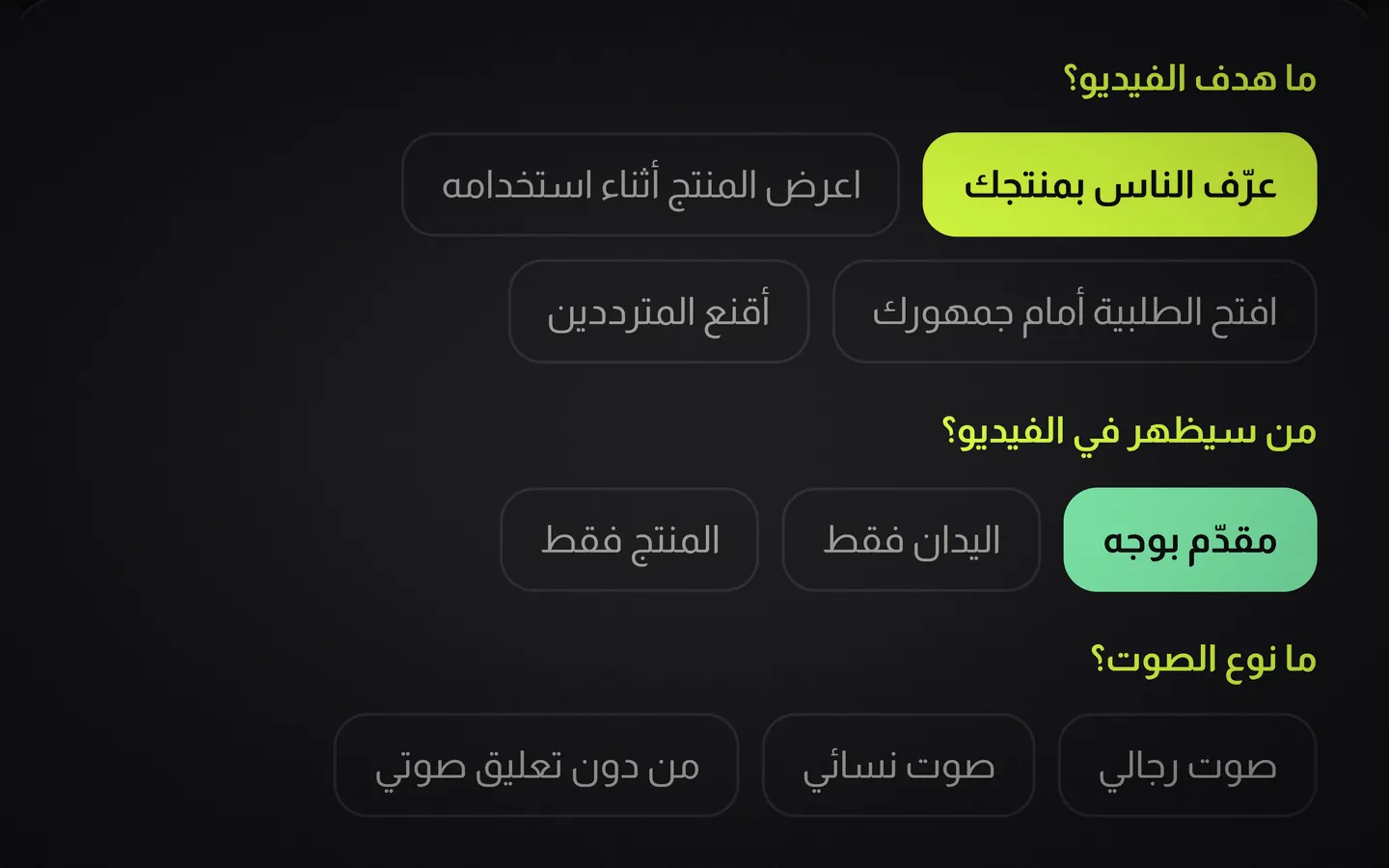
  2. Answer a few questions

    Answer a few questions

    What is the video for: a demo, a direct offer, a teaser, awareness or retargeting. Who is on screen: a presenter, hands only, or just the product. And the voice: male, female or none, with or without music. That is the whole brief.

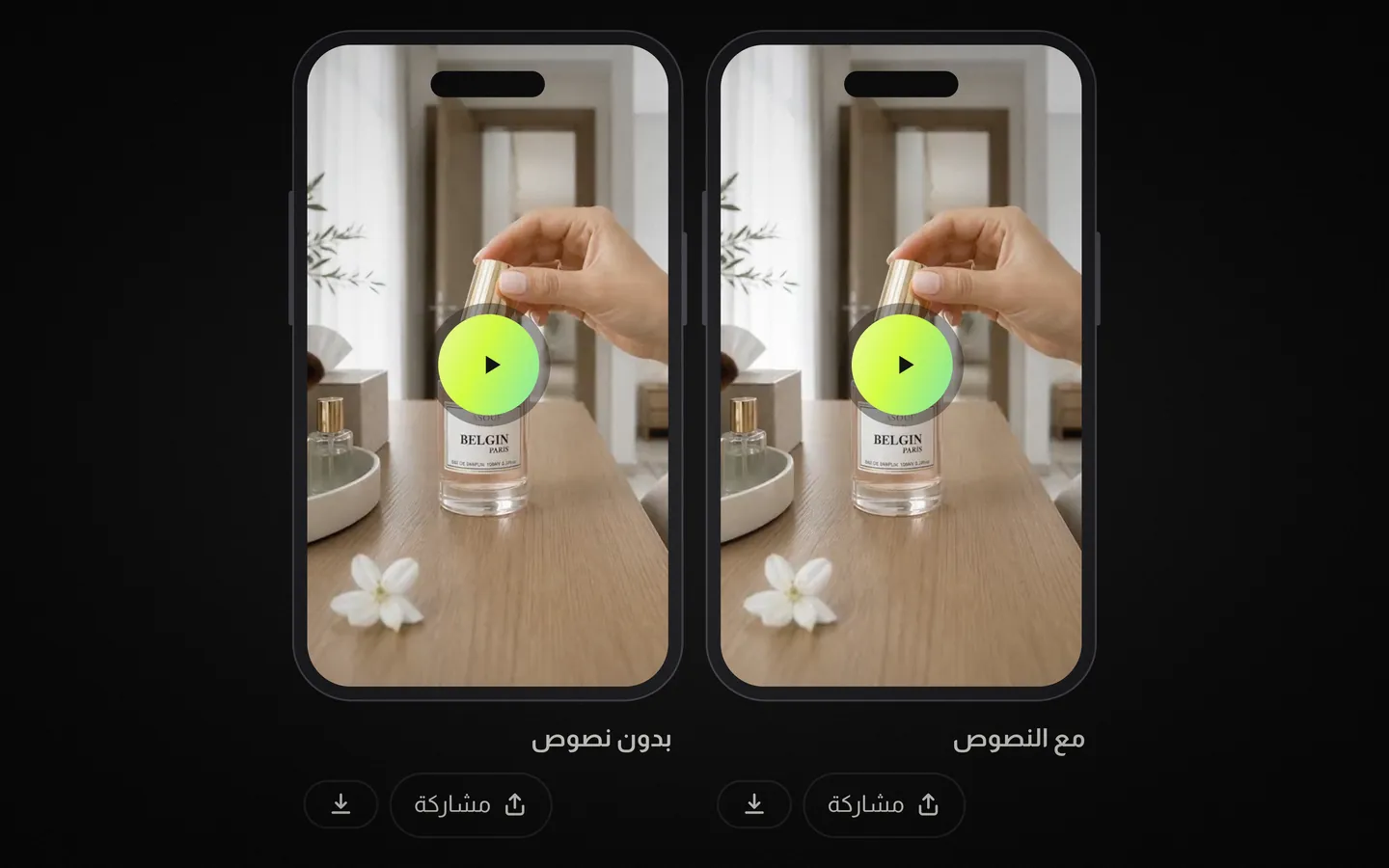
  3. Post it

    Post it

    Minutes later the ad comes back in two versions, one clean and one with the captions burned in, both vertical and sized for the feed. Watch them, keep the one you want, then share it from your phone to TikTok, Instagram or WhatsApp, or download the file and send it to whoever runs your ads.

What Pixiry reads from your link

The product title, the price and any discount, the description, the specification list and every product image on the page. On most store platforms that is enough to write an ad without you typing a word. If your page is thin, upload two or three photos instead and add a one line note about the product.

What the questions actually change

The goal decides the structure: a demo shows the product working, a direct offer leads with the price, a teaser holds the reveal back, awareness optimises the first second, and retargeting speaks to people who already looked. The presence question decides what appears: a talking presenter, hands using the product, or clean product shots. The voice question sets male, female or no voiceover. The length question decides what comes off your balance: ten seconds uses one video, twenty uses two, thirty uses three.

What happens while it renders

The script is written first, then scenes are laid out against your product images, then the voiceover is generated and the captions are timed to it. You see each scene appear as it completes, so you know within about thirty seconds whether the direction is right.

What you can change afterwards

Every line of the script is editable before the final render. Any single scene can be regenerated on its own without spending a video. If the whole thing is wrong, change the look and re render. Failed renders never count against your monthly quota.

How publishing works

Connect TikTok and Instagram once through their official login. After that you can publish immediately or schedule for a specific time. Nothing touches your phone, and you never download a file unless you want to hand it to someone else.

Your next ad is one product link away.

Pick a plan, paste a link, answer a few questions, and post your first ad in the next ten minutes.